VPN location changer free(2026)
Learn how a free VPN location changer works, what to check before connecting, and how to choose a safer option.
A free VPN location changer can route your internet traffic through a VPN server so websites see the server’s IP address and approximate location rather than your own. To change locations, choose a reputable VPN with a free plan, connect to one of its available servers, and check your new IP location. Free options may offer only a small selection of locations, so check the provider’s limits and privacy policy before connecting.
Compare free VPN options by key limits
| Option | Free plan | Location choice | Data limit | Speed limits | Best for |
|---|---|---|---|---|---|
| Proton VPN Free | Yes | A small set of countries | Unlimited | May vary | Regular browsing |
| Windscribe Free | Yes | Several countries | Monthly allowance | May vary | Occasional use |
| PrivadoVPN Free | Yes | Several countries | Monthly allowance | May vary | Trying different locations |
| TunnelBear Free | Yes | Many countries | Small monthly allowance | May vary | Short tests |
| Hide.me Free | Yes | A limited set of locations | Monthly allowance | May vary | Basic privacy |
| Hotspot Shield Basic | Yes | Limited location choice | May vary | May vary | Simple setup |
| Paid VPN plan | No | Usually broader choice | Often unlimited | Often fewer restrictions | Frequent location changes |
Compiled November 2026; check the provider's site for current details.
| VPN | Obfuscation | From / month | Plan | Free plan | Refund | Alipay | UnionPay | Crypto | Website opens in China | Trustpilot | |
|---|---|---|---|---|---|---|---|---|---|---|---|
 Proton VPN | Turn on manually Stealth, free plan too | $2.99/mo | 12 months: $35.88 | Yes | 30 days | ✗ | ✗ | ✗ | ✓ | ✗ Blocked | 2.1/5 (1,040 reviews) |
 Windscribe | Turn on manually Stealth / WStunnel | $5.75/mo | 12 months: $69 | Yes | See site | ✗ | ✗ | ✗ | ✓ | ✗ Blocked | 4.7/5 (13,355 reviews) |
 ZoogVPN | Turn on manually Shadow | $2.49/mo | 27 months: $59.99 | Yes | 7 days | ✓ | ✓ | ✓ | ✓ | Official site blocked; our special link opens (4.4 s) | 4.2/5 (195 reviews) |
 NordVPN | Turn on manually Obfuscated Servers / NordWhisper | $3.49/mo | 27 months: $94.23 | No | 30 days | ? | ✗ | ✓ | ✓ | ✗ Blocked | 4.2/5 (51,628 reviews) |
 ExpressVPN | ✓ On by default all servers | $3.00/mo | 28 months: $84 | No | 30 days | ✗ | ✗ | ✓ | ✗ | ✗ Blocked | 4.4/5 (29,706 reviews) |
 Surfshark | ✓ On by default Camouflage, with OpenVPN | See site | See site | No | 30 days | ✗ | ✗ | ✗ | ✓ | ✗ Blocked | 4.3/5 (31,823 reviews) |
 Astrill VPN | Turn on manually StealthVPN / OpenWeb | $12.50/mo | 24 months: $300 | No | See site | ✗ | ✗ | ✗ | ✓ | ✗ Blocked | 1.3/5 (110 reviews) |
 Private Internet Access | Turn on manually Shadowsocks, OpenVPN only | $2.03/mo | 40 months: $81.2 | No | 30 days | ✗ | ✗ | ✗ | ✗ | ✗ Blocked | 4.2/5 (11,033 reviews) |
 CyberGhost | Turn on manually selected servers | $2.19/mo | 28 months: $61.32 | No | 45 days | ✗ | ✗ | ✗ | ✓ | ✗ Blocked | 4.0/5 (24,178 reviews) |
 PureVPN | Turn on manually switch to OpenVPN | $1.69/mo | 60 months: $101.55 | No | 31 days | ? | ? | ✗ | ✓ | ✗ Blocked | 4.4/5 (17,994 reviews) |
 AdGuard VPN | ✓ On by default TrustTunnel | $2.99/mo | 24 months: $71.76 | Yes | 30 days | ✓ | ✗ | ✓ | ✓ | Official site blocked; our special link opens (3.7 s) | 4.3/5 (290 reviews) |
 Mullvad | Turn on manually QUIC / Shadowsocks / LWO | $5.61/mo | €5/mo | No | 14 days | ✗ | ✗ | ✗ | ✓ | ✗ Blocked | 3.2/5 (192 reviews) |
 StrongVPN | Turn on manually Scramble, OpenVPN TCP | See site | See site | No | 30 days | ✓ | ✗ | ✗ | ✗ | ✗ Blocked | 4.4/5 (2,695 reviews) |
 LightXtreme 闪连 | Not listed | $7.08/mo | 12 months: $84.99 | Yes | 30 days | ✓ | ✓ | ✓ | ✓ | ✓ Yes (3.5 s) | No page |
Prices checked 2026-11-10 on each vendor's pricing page (cheapest long plan, USD). Check the vendor's checkout for the final price.
Obfuscation checked 2026-11-14 on each vendor's site and help center: "on by default" = nothing to set; "turn on manually" = switch protocol or mode in settings; "not listed" = the vendor describes no obfuscation.
Payment methods checked 2026-11-10 on each vendor's payment pages: all 14 take cards and PayPal; ✗ = not listed, ? = the vendor's own pages disagree.
China access: whether the official website opens from mainland China networks (tests the website only, not the VPN connection). Last checked 2026-11-18 01:02 Beijing time.
Trustpilot score and review count checked 2026-11-10.
How a free VPN changes your online location
A VPN creates an encrypted connection between your device and a VPN server. Your traffic exits the internet through that server, which means sites and services generally see the server’s IP address instead of your regular public IP address.
If you connect to a server in a different country, some websites may treat your connection as coming from that country. This can help reduce exposure of your IP address and may affect what location-based content or settings a website displays.
A VPN changes your apparent IP-based location, not your physical position. It does not automatically change GPS data, your device’s location settings, or information linked to an account, browser, or payment method.
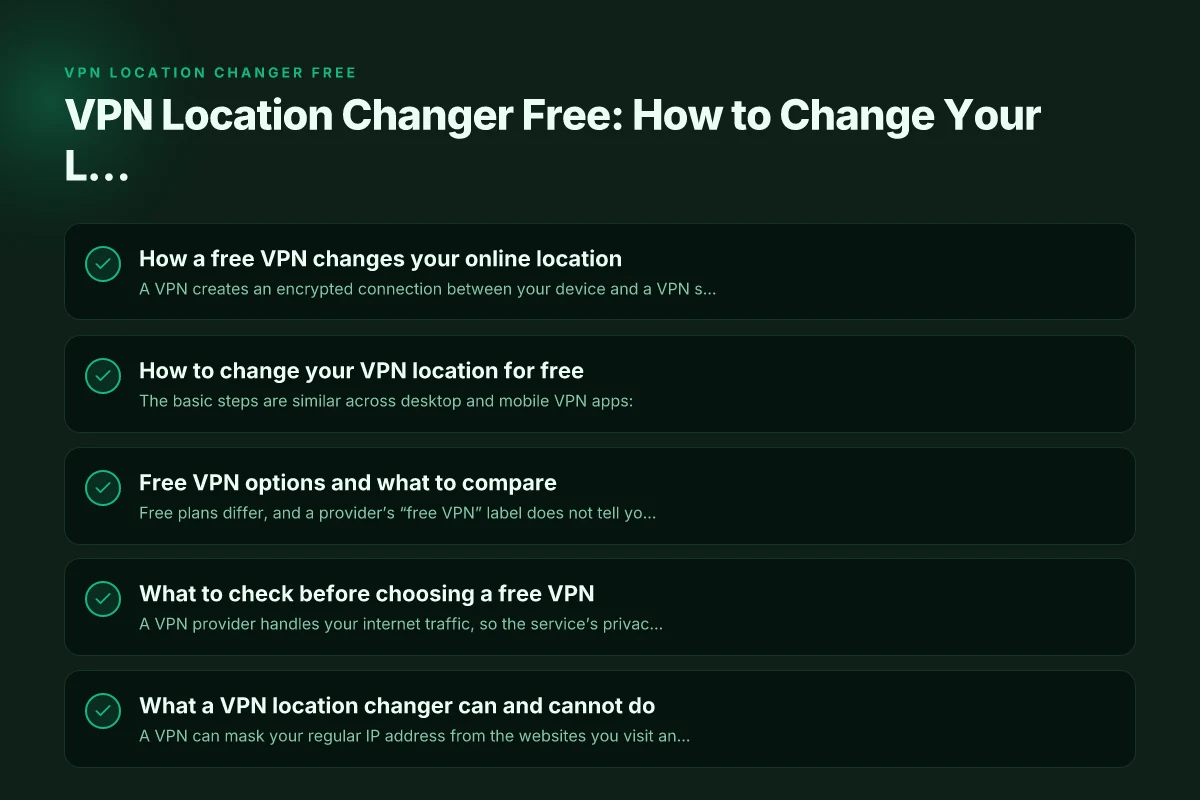
How to change your VPN location for free
The basic steps are similar across desktop and mobile VPN apps: axgate VPN(2026)
- Choose a VPN provider and review its free plan.
- Download the official app from the provider or your device’s trusted app store.
- Create an account if the provider requires one.
- Open the app and select an available free server location.
- Tap Connect and wait for the VPN connection to become active.
- Check your IP address using a reputable IP-checking service if you want to confirm the apparent location.
Some free VPNs connect you automatically to the nearest or fastest server and do not let you choose a country. Others allow manual selection but limit the number of locations. Read the app’s plan details before installing it if choosing a particular location is important.
Free VPN options and what to compare
Free plans differ, and a provider’s “free VPN” label does not tell you how much choice or privacy protection you will get. The information below reflects the services described in the search results. Check each provider’s current terms before signing up.
| Option | Details stated in search results | What to check |
|---|---|---|
| Proton VPN Free | The provider describes its free plan as having no data limit, no ads, and no logs of user activity. | Whether its free locations meet your needs and what features are included in the current plan. |
| Planet VPN Free | The provider says its service has no traffic, bandwidth, or time limits and does not require sign-up. | Its current server selection, privacy policy, and app permissions. |
| Other free VPN apps | Free location-changing apps are discussed in online forums, including open-source options. | Who operates the app, which locations are available, and how it handles your data. |
These descriptions are provider claims, not a guarantee that every free plan will suit every user. In particular, “unlimited” does not necessarily mean every server is available or that speeds will always be consistent.
Check these points before choosing a free VPN fortin VPN(2026)
| What to check | Why it matters | A good sign | Caution |
|---|---|---|---|
| Privacy policy | Shows how your data is handled | Clear limits on data collection | Vague logging terms |
| Independent audits | Can help verify privacy claims | Recent, public audit | Claims without evidence |
| Data allowance | Determines how long you can use it | Fits your expected use | Runs out quickly |
| Server locations | Affects available virtual locations | Countries you need are listed | Only one or two choices |
| Speed and congestion | Affects browsing and streaming | Stable performance | Frequent slowdowns |
| App permissions | Shows what the app can access | Permissions match its function | Unnecessary access requests |
| Kill switch | Helps prevent traffic leaks if VPN drops | Available and enabled | Missing or unclear controls |
| Business model | Helps explain how the service is funded | Transparent pricing and funding | Unclear free-service trade-offs |
Compiled November 2026; check the provider's site for current details.
What to check before choosing a free VPN
A VPN provider handles your internet traffic, so the service’s privacy and security practices matter as much as its location list.
Look for:
- A clear privacy policy: Check what data the provider collects, how it is used, and whether it is shared.
- Transparent limits: Confirm whether free use has data, speed, location, or connection restrictions.
- A trustworthy app: Download from an official source and review the permissions it requests.
- A clear business model: Understand how the provider supports its free service, such as through paid plans.
- Reliable connections: A VPN that frequently disconnects may not protect your traffic as expected.
Be cautious of apps that make broad privacy promises without explaining their practices. Avoid entering sensitive information into a service you do not trust, and disconnect if the app behaves unexpectedly. equalVPN(2026)
What a VPN location changer can and cannot do
A VPN can mask your regular IP address from the websites you visit and encrypt traffic between your device and the VPN server. It can also make your connection appear to come from the server’s approximate location.
It cannot guarantee that a site will accept the apparent location. Websites may use additional signals, such as GPS permissions, account details, cookies, payment information, or device settings. Streaming and other services may also detect or restrict VPN connections.
A VPN is not the same as a GPS location changer. If an app uses your phone’s GPS, changing VPN servers alone will not change what that app reads from your device. Also, a VPN does not make you fully anonymous: the provider may see connection information, and activity can still be linked to accounts or other identifiers.
What a VPN location changer can and cannot do windows VPN(2026)
| Goal | Can a VPN help? | What it changes | What it does not guarantee |
|---|---|---|---|
| Change apparent IP location | Yes | Public IP address and approximate location | Exact physical location |
| Encrypt network traffic | Yes | Traffic between device and VPN server | Protection from every threat |
| Use public Wi-Fi more privately | Yes | Adds an encrypted connection to the VPN server | Safety from phishing or malware |
| Access location-restricted services | Sometimes | IP-based location signal | Access if the service blocks VPNs |
| Change GPS location | No, not by itself | Nothing about device GPS | A different GPS position |
| Hide activity from your VPN provider | No | Nothing; the provider handles your connection | Privacy from the provider |
| Make you anonymous online | No | Masks your IP from sites you visit | Anonymity or untraceability |
| Improve connection speed | Not usually | Routes traffic through another server | Faster performance than your normal connection |
Compiled November 2026; check the provider's site for current details.
Recommendation
For a free VPN location changer, start with a reputable provider whose privacy policy and free-plan limits are clear. Compare its available locations with what you need, then install the official app and verify the connection after choosing a server. Proton VPN and Planet VPN both describe free offerings in the current search results, but their location choices and terms should be checked directly. Choose based on transparent privacy practices and a usable free plan, not just a promise to change your location.