free VPN(2026)
Learn what a free VPN can protect, its limitations, and how to choose a safer option for everyday browsing.
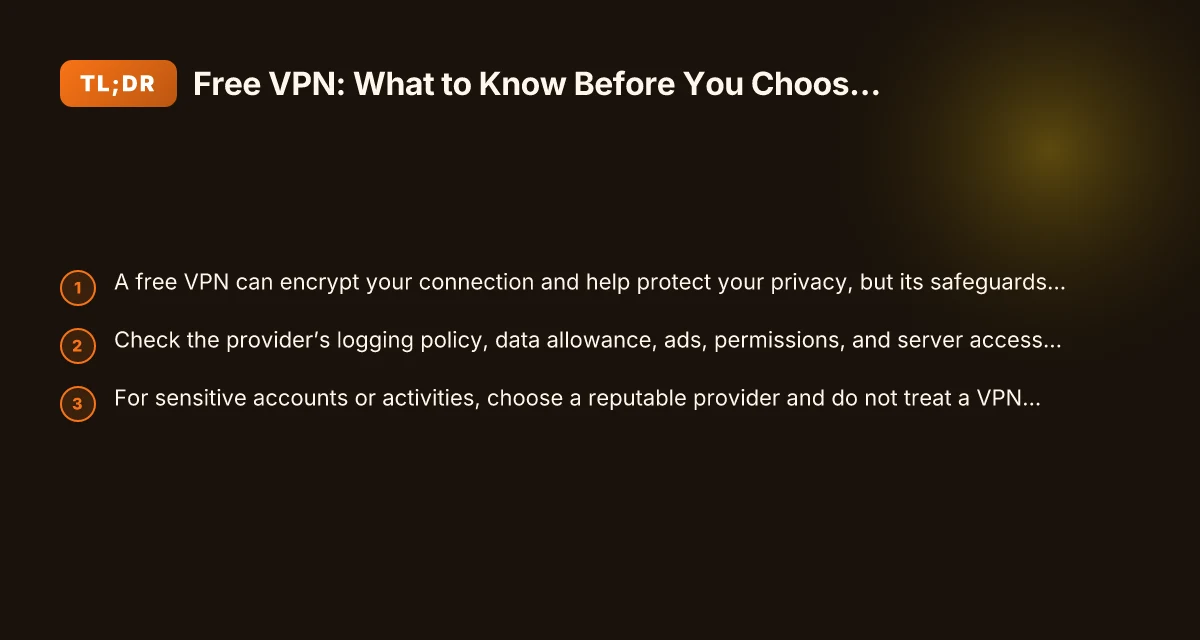
A free VPN can be useful for adding privacy on public Wi-Fi or changing the apparent location of your internet connection, without paying a subscription. But “free” does not guarantee strong privacy: providers differ in how they handle data, restrict usage, and fund their service. Compare the terms and security features before connecting, and remember that a VPN does not make you completely anonymous online.
Free VPN options at a glance
| Option | Data limit | Device support | Server choice | Best for |
|---|---|---|---|---|
| Proton VPN Free | Unlimited | Multiple platforms | Limited | Regular use |
| Windscribe Free | Limited monthly data | Multiple platforms | Limited | Occasional browsing |
| PrivadoVPN Free | Limited monthly data | Multiple platforms | Limited | Basic streaming |
| TunnelBear Free | Limited monthly data | Multiple platforms | Broad, with limits | Trying a VPN |
| Hotspot Shield Basic | Limited daily data | Multiple platforms | Limited | Short sessions |
| Opera VPN | Browser-only | Opera browser | Browser locations | Browser traffic |
| Free VPN browser extensions | Varies | Supported browser | Varies | Browser-only needs |
Compiled November 2026; check the provider's site for current details.
| VPN | Obfuscation | From / month | Plan | Free plan | Refund | Alipay | UnionPay | Crypto | Website opens in China | Trustpilot | |
|---|---|---|---|---|---|---|---|---|---|---|---|
 Proton VPN | Turn on manually Stealth, free plan too | $2.99/mo | 12 months: $35.88 | Yes | 30 days | ✗ | ✗ | ✗ | ✓ | ✗ Blocked | 2.1/5 (1,040 reviews) |
 Windscribe | Turn on manually Stealth / WStunnel | $5.75/mo | 12 months: $69 | Yes | See site | ✗ | ✗ | ✗ | ✓ | ✗ Blocked | 4.7/5 (13,355 reviews) |
 ZoogVPN | Turn on manually Shadow | $2.49/mo | 27 months: $59.99 | Yes | 7 days | ✓ | ✓ | ✓ | ✓ | Official site blocked; our special link opens (4.4 s) | 4.2/5 (195 reviews) |
 NordVPN | Turn on manually Obfuscated Servers / NordWhisper | $3.49/mo | 27 months: $94.23 | No | 30 days | ? | ✗ | ✓ | ✓ | ✗ Blocked | 4.2/5 (51,628 reviews) |
 ExpressVPN | ✓ On by default all servers | $3.00/mo | 28 months: $84 | No | 30 days | ✗ | ✗ | ✓ | ✗ | ✗ Blocked | 4.4/5 (29,706 reviews) |
 Surfshark | ✓ On by default Camouflage, with OpenVPN | See site | See site | No | 30 days | ✗ | ✗ | ✗ | ✓ | ✗ Blocked | 4.3/5 (31,823 reviews) |
 Astrill VPN | Turn on manually StealthVPN / OpenWeb | $12.50/mo | 24 months: $300 | No | See site | ✗ | ✗ | ✗ | ✓ | ✗ Blocked | 1.3/5 (110 reviews) |
 Private Internet Access | Turn on manually Shadowsocks, OpenVPN only | $2.03/mo | 40 months: $81.2 | No | 30 days | ✗ | ✗ | ✗ | ✗ | ✗ Blocked | 4.2/5 (11,033 reviews) |
 CyberGhost | Turn on manually selected servers | $2.19/mo | 28 months: $61.32 | No | 45 days | ✗ | ✗ | ✗ | ✓ | ✗ Blocked | 4.0/5 (24,178 reviews) |
 PureVPN | Turn on manually switch to OpenVPN | $1.69/mo | 60 months: $101.55 | No | 31 days | ? | ? | ✗ | ✓ | ✗ Blocked | 4.4/5 (17,994 reviews) |
 AdGuard VPN | ✓ On by default TrustTunnel | $2.99/mo | 24 months: $71.76 | Yes | 30 days | ✓ | ✗ | ✓ | ✓ | Official site blocked; our special link opens (3.7 s) | 4.3/5 (290 reviews) |
 Mullvad | Turn on manually QUIC / Shadowsocks / LWO | $5.61/mo | €5/mo | No | 14 days | ✗ | ✗ | ✗ | ✓ | ✗ Blocked | 3.2/5 (192 reviews) |
 StrongVPN | Turn on manually Scramble, OpenVPN TCP | See site | See site | No | 30 days | ✓ | ✗ | ✗ | ✗ | ✗ Blocked | 4.4/5 (2,695 reviews) |
 LightXtreme 闪连 | Not listed | $7.08/mo | 12 months: $84.99 | Yes | 30 days | ✓ | ✓ | ✓ | ✓ | ✓ Yes (3.5 s) | No page |
Prices checked 2026-11-10 on each vendor's pricing page (cheapest long plan, USD). Check the vendor's checkout for the final price.
Obfuscation checked 2026-11-14 on each vendor's site and help center: "on by default" = nothing to set; "turn on manually" = switch protocol or mode in settings; "not listed" = the vendor describes no obfuscation.
Payment methods checked 2026-11-10 on each vendor's payment pages: all 14 take cards and PayPal; ✗ = not listed, ? = the vendor's own pages disagree.
China access: whether the official website opens from mainland China networks (tests the website only, not the VPN connection). Last checked 2026-11-18 01:02 Beijing time.
Trustpilot score and review count checked 2026-11-10.
What a free VPN does
A virtual private network, or VPN, creates an encrypted connection between your device and a VPN server. When it is active, websites generally see the server’s IP address rather than your usual one. Encryption can make it harder for others on the same public Wi-Fi network to inspect your traffic.
A VPN does not hide everything. The VPN provider may be able to see or process connection information, and websites can still identify you through account logins, cookies, browser fingerprinting, or information you share. A VPN also does not automatically block malware, prevent phishing, or make unlawful activity legal.
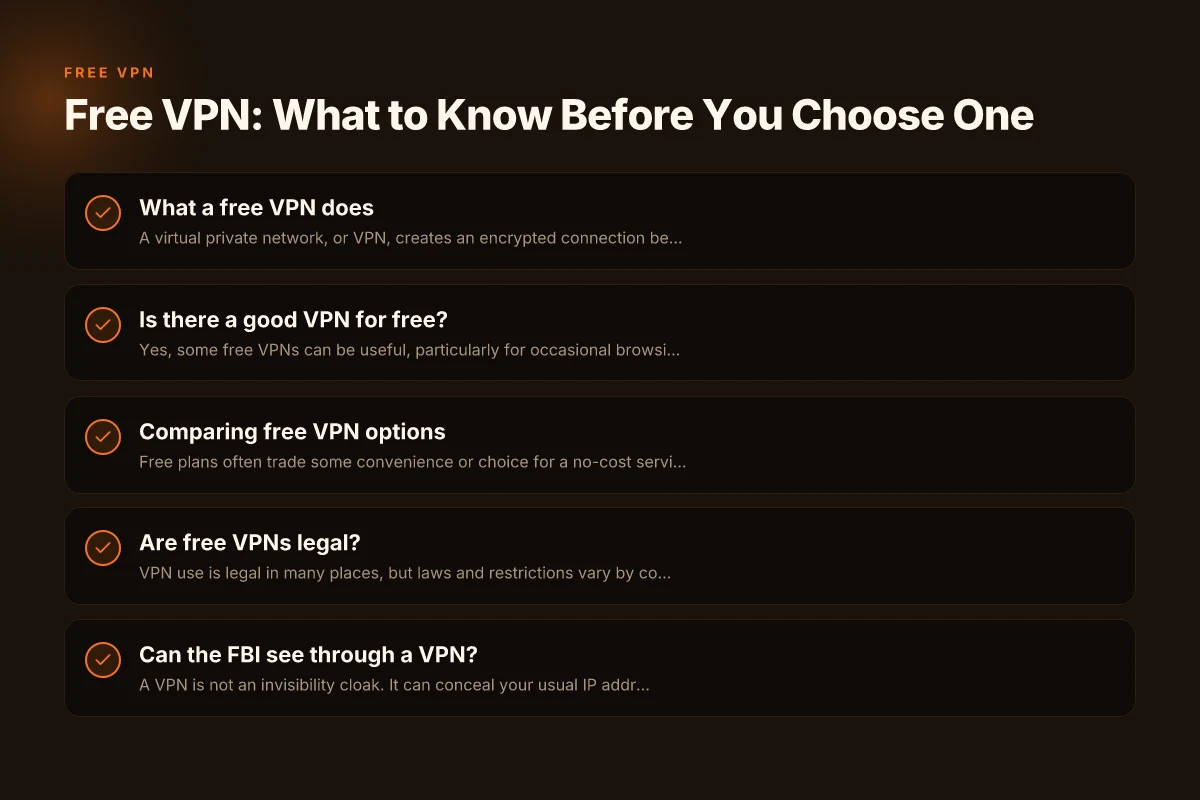
Is there a good VPN for free?
Yes, some free VPNs can be useful, particularly for occasional browsing. The right choice depends on your needs and the provider’s policies. Search results include several kinds of free offerings: Proton VPN advertises a plan with no data limit, no ads, and no logs of user activity; VeePN promotes a free Chrome extension. And Free VPN by Free VPN.org™ is available as an app on Google Play.
Those descriptions are providers’ own claims, not a guarantee that every service is equally safe or suitable. A browser extension may protect browser traffic but not necessarily all the traffic from your device. An app may cover more of your connection, depending on its setup and permissions. sslVPN poscoenc.com(2026)
Before installing anything, check:
- Privacy policy: What information is collected, and how long is it kept?
- Logging claims: Does the provider explain what “no logs” means?
- Data and speed limits: Is there a cap or a restriction that affects your regular use?
- Ads and funding: Does the service show ads or explain how it supports its free tier?
- Permissions and ownership: Does the app request only permissions it needs, and is the provider identifiable?
- Independent scrutiny: Look for clear security information or credible audits rather than relying only on marketing language.
What to check before choosing a free VPN
| Check | Why it matters | What to look for | Potential trade-off |
|---|---|---|---|
| Data allowance | Limits how much you can use it | Clear monthly or daily cap | Heavy use may require a paid plan |
| Privacy policy | Explains data handling | Plain-language collection and retention details | Free services may rely on advertising |
| Independent audits | Can help verify security claims | Public, recent audit information | An audit is not a guarantee |
| Encryption and protocols | Protects the connection | Modern encryption and secure protocols | Some features may be paid-only |
| Server locations | Affects access and connection options | Locations that meet your needs | Free plans often offer fewer choices |
| Speed and reliability | Shapes everyday usability | Consistent performance | Free servers can be crowded |
| Device coverage | Determines what traffic is protected | Apps for your devices | Browser-only tools protect browser traffic |
| Support and updates | Helps with issues and security fixes | Active maintenance and clear support | Free users may get limited support |
Compiled November 2026; check the provider's site for current details.
Comparing free VPN options
Free plans often trade some convenience or choice for a no-cost service. Features can change, so verify the current terms on the provider’s website or in the app store before signing up. free VPN extension edge(2026)
| Option shown in search results | What the listing says | What to check |
|---|---|---|
| Proton VPN Free | No data limit, no ads, and no logs of user activity | Which features and server choices are included in the free plan |
| VeePN for Chrome | A browser extension promoted with unlimited traffic and bandwidth | Whether protection applies only to browser traffic and what the privacy policy says |
| Free VPN by Free VPN.org™ | One-tap access, encrypted traffic, and no registration or payment details | Data collection, permissions, ads, and the provider’s privacy terms |
| Urban VPN | Promotes free use and access to many locations | How the service handles traffic and user data |
| Bright VPN | Promotes free access and website unblocking | The service’s privacy policy, limits, and how the free product is funded |
This table summarizes claims in current search listings, not independent test results. Treat bold promises such as “unlimited” or “anonymous” as a reason to read the details, not as proof of a particular level of privacy.
Are free VPNs legal?
VPN use is legal in many places, but laws and restrictions vary by country. A VPN does not exempt you from local law or the rules of a website, workplace, school, or streaming service. If you are unsure, check the relevant local rules and the terms that apply to the network or service you use.
VPN use cases and limits
| Use case | Can a VPN help? | What it may do | What it does not guarantee |
|---|---|---|---|
| Public Wi-Fi | Yes | Encrypt traffic between your device and VPN server | Safety from phishing or malware |
| Hiding your IP from websites | Yes | Show the VPN server’s IP instead | Anonymity or protection from tracking |
| Hiding activity from your ISP | Partly | Keep the ISP from seeing VPN traffic contents | Hiding that you use a VPN |
| Accessing region-restricted content | Sometimes | Route traffic through another location | That a service will allow access |
| Avoiding online tracking | Partly | Reduce exposure of your real IP | Blocking cookies or fingerprinting |
| FBI or law enforcement access | No blanket protection | Route traffic through a VPN provider | Protection from lawful investigation |
| Legal use | Usually | Provide a privacy tool where permitted | Permission to break local laws or service rules |
| Staying safe online | Partly | Add connection privacy | Protection from unsafe downloads or scams |
Compiled November 2026; check the provider's site for current details. icrosoft edge secure network VPN(2026)
Can the FBI see through a VPN?
A VPN is not an invisibility cloak. It can conceal your usual IP address from a website, but the VPN provider may hold information about connections, and your online accounts or device can still reveal your identity. Authorities may also obtain information through legal processes, depending on the circumstances and applicable law.
For stronger privacy, focus on more than the VPN brand: use unique passwords, enable multifactor authentication, keep your software updated, and avoid opening suspicious links. Do not rely on a VPN to hide illegal activity or to guarantee that nobody can trace you.
How to choose and use one safely
Start by matching the service to your needs. If you mainly want added protection while browsing on public Wi-Fi, a reputable app with transparent policies may be enough. If you need a browser-only tool, confirm exactly what traffic the extension covers. If you need a particular location, check that the free plan offers it before installing.
Use these practical steps: clash for ios(2026)
- Download the app or extension from the provider’s official site or a trusted app store.
- Read the privacy policy and review permissions before accepting them.
- Turn on the VPN and confirm the connection is active before using public Wi-Fi.
- Test important websites and apps, since some may block VPN connections.
- Remove the app if its policies are unclear, it requests unrelated permissions, or it behaves unexpectedly.
When to consider a paid plan
A free plan may be sufficient for occasional, basic use. Consider a paid service if you need more location choices, consistent performance, or features that are not included in a free tier. Compare privacy terms and security practices either way: paying does not automatically make a VPN trustworthy.
Recommendation
A free VPN can be a sensible starting point, but choose it for transparent privacy practices rather than sweeping promises. Compare its logging policy, limits, permissions, and coverage, then use it alongside good account security. If you want a straightforward option to investigate, Proton VPN’s free plan advertises no data limit and no ads. Verify its current terms and features before deciding.