free VPN that lets you choose location(2026)
Compare free VPN options with selectable locations, understand their limits, and choose one that fits your privacy needs.
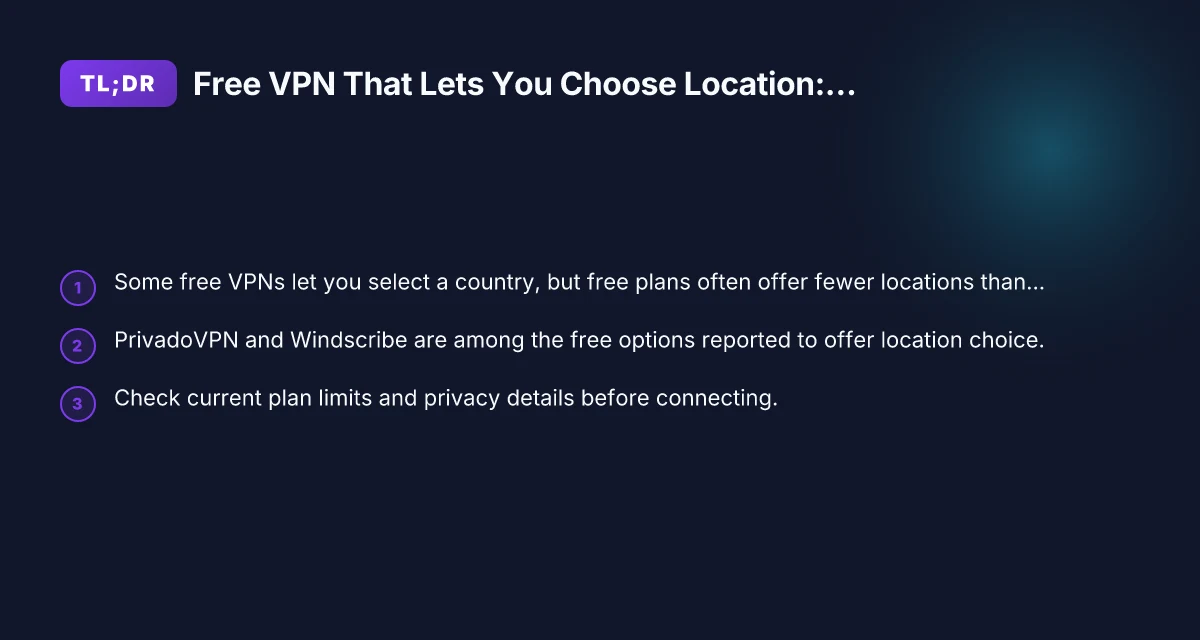
If you want a free VPN that lets you choose a location, look at providers such as PrivadoVPN and Windscribe, which are reported to offer country selection on their free plans. Availability and limits can change, so confirm the current details in the provider’s app or plan information before signing up. Proton VPN’s free plan is another option if unlimited data and a stated no-logs policy matter more than choosing a specific country.
Free VPN options at a glance
| Option | Choose a specific country? | Free-plan limits | Best for | Check before use |
|---|---|---|---|---|
| Proton VPN | Depends on current free locations | Free plan; features may be limited | Privacy-focused browsing | Free locations and device support |
| Windscribe | Depends on current free locations | Free data allowance | Occasional use | Data cap and available locations |
| PrivadoVPN | Depends on current free locations | Free data allowance | Trying a location briefly | Data cap and country list |
| TunnelBear | Depends on current free locations | Free data allowance | Simple, occasional connections | Data cap and location availability |
| VPN service with a free trial | Often, while the trial is active | Trial period or usage terms | Short-term location testing | Renewal and cancellation terms |
| Free browser proxy | Sometimes | May be ad-supported or limited | Basic, low-risk browsing | Privacy, security, and location accuracy |
Compiled November 2026; check the provider's site for current details.
| VPN | Obfuscation | From / month | Plan | Free plan | Refund | Alipay | UnionPay | Crypto | Website opens in China | Trustpilot | |
|---|---|---|---|---|---|---|---|---|---|---|---|
 Windscribe | Turn on manually Stealth / WStunnel | $5.75/mo | 12 months: $69 | Yes | See site | ✗ | ✗ | ✗ | ✓ | ✗ Blocked | 4.7/5 (13,355 reviews) |
 Proton VPN | Turn on manually Stealth, free plan too | $2.99/mo | 12 months: $35.88 | Yes | 30 days | ✗ | ✗ | ✗ | ✓ | ✗ Blocked | 2.1/5 (1,040 reviews) |
 ZoogVPN | Turn on manually Shadow | $2.49/mo | 27 months: $59.99 | Yes | 7 days | ✓ | ✓ | ✓ | ✓ | Official site blocked; our special link opens (4.4 s) | 4.2/5 (195 reviews) |
 NordVPN | Turn on manually Obfuscated Servers / NordWhisper | $3.49/mo | 27 months: $94.23 | No | 30 days | ? | ✗ | ✓ | ✓ | ✗ Blocked | 4.2/5 (51,628 reviews) |
 ExpressVPN | ✓ On by default all servers | $3.00/mo | 28 months: $84 | No | 30 days | ✗ | ✗ | ✓ | ✗ | ✗ Blocked | 4.4/5 (29,706 reviews) |
 Surfshark | ✓ On by default Camouflage, with OpenVPN | See site | See site | No | 30 days | ✗ | ✗ | ✗ | ✓ | ✗ Blocked | 4.3/5 (31,823 reviews) |
 Astrill VPN | Turn on manually StealthVPN / OpenWeb | $12.50/mo | 24 months: $300 | No | See site | ✗ | ✗ | ✗ | ✓ | ✗ Blocked | 1.3/5 (110 reviews) |
 Private Internet Access | Turn on manually Shadowsocks, OpenVPN only | $2.03/mo | 40 months: $81.2 | No | 30 days | ✗ | ✗ | ✗ | ✗ | ✗ Blocked | 4.2/5 (11,033 reviews) |
 CyberGhost | Turn on manually selected servers | $2.19/mo | 28 months: $61.32 | No | 45 days | ✗ | ✗ | ✗ | ✓ | ✗ Blocked | 4.0/5 (24,178 reviews) |
 PureVPN | Turn on manually switch to OpenVPN | $1.69/mo | 60 months: $101.55 | No | 31 days | ? | ? | ✗ | ✓ | ✗ Blocked | 4.4/5 (17,994 reviews) |
 AdGuard VPN | ✓ On by default TrustTunnel | $2.99/mo | 24 months: $71.76 | Yes | 30 days | ✓ | ✗ | ✓ | ✓ | Official site blocked; our special link opens (3.7 s) | 4.3/5 (290 reviews) |
 Mullvad | Turn on manually QUIC / Shadowsocks / LWO | $5.61/mo | €5/mo | No | 14 days | ✗ | ✗ | ✗ | ✓ | ✗ Blocked | 3.2/5 (192 reviews) |
 StrongVPN | Turn on manually Scramble, OpenVPN TCP | See site | See site | No | 30 days | ✓ | ✗ | ✗ | ✗ | ✗ Blocked | 4.4/5 (2,695 reviews) |
 LightXtreme 闪连 | Not listed | $7.08/mo | 12 months: $84.99 | Yes | 30 days | ✓ | ✓ | ✓ | ✓ | ✓ Yes (3.5 s) | No page |
Prices checked 2026-11-10 on each vendor's pricing page (cheapest long plan, USD). Check the vendor's checkout for the final price.
Obfuscation checked 2026-11-14 on each vendor's site and help center: "on by default" = nothing to set; "turn on manually" = switch protocol or mode in settings; "not listed" = the vendor describes no obfuscation.
Payment methods checked 2026-11-10 on each vendor's payment pages: all 14 take cards and PayPal; ✗ = not listed, ? = the vendor's own pages disagree.
China access: whether the official website opens from mainland China networks (tests the website only, not the VPN connection). Last checked 2026-11-18 01:02 Beijing time.
Trustpilot score and review count checked 2026-11-10.
What “choose your location” means
A VPN routes your internet traffic through a server, making websites and apps see the server’s IP address rather than your usual one. Choosing a VPN location means selecting a country or, in some apps, a particular server within that country.
This can help when you want more privacy on public Wi-Fi or need to test how a service appears from another region. It does not guarantee access to every region-locked website or streaming catalog: services may block VPN connections, and availability can vary.
Before choosing a provider, check whether its free plan lets you select a country yourself. Some free VPNs assign a server automatically or restrict manual selection to paid subscribers.
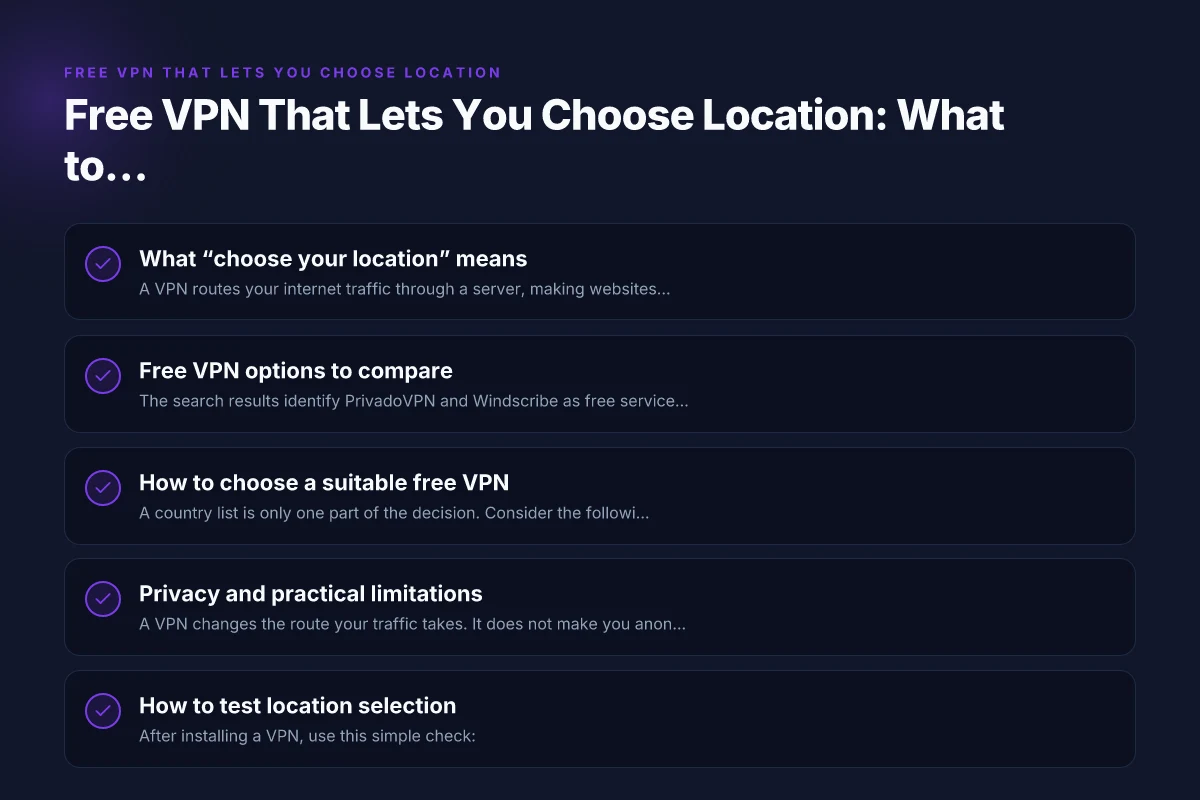
Free VPN options to compare
The search results identify PrivadoVPN and Windscribe as free services that allow users to pick from a set of locations. They also point to Proton VPN’s free plan for users who prioritize unlimited data. These are starting points, not guarantees that every feature or location is available to every user. NordVPN windows 10 VPN(2026)
| VPN | What the search results indicate | What to check |
|---|---|---|
| PrivadoVPN | Reported to offer location selection on its free plan | Which countries are currently available and any usage limits |
| Windscribe | Reported to offer location selection on its free plan | Free-plan locations, data limits, and account requirements |
| Proton VPN | Free plan is described as having no data limit, no ads, and no logs of user activity | Whether its free locations meet your needs and how server selection works |
| Riseup VPN | Mentioned by users as a free option with a smaller set of locations | Whether the app supports your device and offers the country you need |
Free-plan features can change. Review the provider’s current terms and app screens rather than relying only on older recommendations or comparison pages.
How to choose a suitable free VPN
A country list is only one part of the decision. Consider the following before installing an app:
- Manual selection: Make sure you can choose a country instead of being assigned a location automatically.
- Privacy policy: Look for clear explanations of what data the provider collects and how it handles connection activity.
- Limits: Check for restrictions on data, speed, server availability, or simultaneous connections.
- Device support: Confirm that the app works on your phone, computer, or other device.
- Trustworthiness: Download the app from the provider’s official site or a recognized app store. Avoid unfamiliar apps that make sweeping privacy promises without explaining their practices.
A free service may be adequate for occasional browsing, but a limited server list can make it unsuitable if you need a particular country. Even when a location appears in the app, the connection may be busy or temporarily unavailable.
How to choose a suitable free VPN iphone VPN(2026)
| Decision factor | What to look for | Why it matters | How to check |
|---|---|---|---|
| Location choice | The specific country you need | Free plans may offer only selected locations | Check the provider’s free-plan list |
| Data allowance | Enough data for your activity | Video and downloads use more data | Read the plan limits |
| Speed | Stable speeds for your use | Congestion can slow free servers | Test at different times |
| Device support | Apps for your devices | Some features vary by platform | Check supported operating systems |
| Privacy policy | Clear data collection and retention details | A VPN can see connection metadata | Read the policy and audit details |
| Security features | Modern encryption and leak protection | Helps protect traffic and DNS requests | Review app settings and documentation |
| Ease of cancellation | Clear account and renewal controls | Trials may convert to paid plans | Check billing terms before signing up |
Compiled November 2026; check the provider's site for current details.
Privacy and practical limitations
A VPN changes the route your traffic takes. It does not make you anonymous. Websites can still identify you through account logins, cookies, browser settings, or other signals. A VPN also cannot protect you from every threat, such as phishing or malware.
Be cautious with free VPNs that rely on advertising or do not explain their data practices. A provider’s privacy claims should be checked against its policy, and no service should be treated as a substitute for safe browsing habits. Keep apps updated, use strong passwords, and avoid entering sensitive information on sites you do not trust.
Location selection also has limits. A VPN may show a different IP-based country, but some apps use additional methods to estimate your location. In addition, using a VPN to access a service from another region may conflict with that service’s terms. forti VPN(2026)
How to test location selection
After installing a VPN, use this simple check:
- Open the provider’s location list and confirm that the country you want is available on the free plan.
- Connect to that location and wait for the app to confirm the connection.
- Check your apparent IP location using a reputable IP-checking website.
- If the location is incorrect or the connection fails, try another server in the same country if the plan offers one.
- Disconnect when you no longer need the VPN, especially if the connection affects speed or access to local services.
Do not assume that a country appearing in a marketing list is available to free users. Check the actual plan details and in-app server list.
Location-selection test checklist
| Test | What to do | What a good result looks like | If it fails |
|---|---|---|---|
| Confirm free locations | Review the provider’s current free-country list | Your target country is included | Choose another service or location |
| Connect to a server | Select the target country in the app | App shows a connected state | Try another server or reconnect |
| Check apparent country | Use a reputable IP-checking site | Reported country matches the selection | Check for a mismatch or stale result |
| Check DNS leaks | Run a DNS leak test | DNS results do not reveal your usual location | Turn on leak protection or disconnect |
| Check WebRTC exposure | Run a WebRTC leak test in your browser | No unexpected local address is exposed | Disable or limit WebRTC where appropriate |
| Test service access | Open the site or app you need | It works without location errors | The service may block VPN traffic |
| Recheck after disconnecting | Turn off the VPN and check again | Your usual connection location returns | Review app behavior and network settings |
Compiled November 2026; check the provider's site for current details. f5 VPN download(2026)
Recommendation
For a free VPN that lets you choose a location, start by comparing PrivadoVPN and Windscribe, then verify their current free-plan country lists and limits. Choose Proton VPN if unlimited data and its stated privacy features are more important than selecting a particular country. Whichever you use, read the privacy policy, confirm the location in the app, and remember that a VPN improves privacy but does not make you completely anonymous.