VPN
CJ VPN: What the Search Term Means and How to Choose a VPN
Find out what “CJ VPN” may refer to, how to assess VPN services promoted through CJ, and what to check before signing up.
November 28, 2026 · 应知节
Updated
Explore practical VPN app downloads, Windows and Edge setup, OpenVPN client basics, gaming questions, and clear comparisons of software and provider options.
This section covers practical VPN software, connection setup, and the choices people face when a VPN is needed for work, gaming, or ordinary browsing. Its main topic clusters are VPN client downloads, Windows and browser configuration, provider and protocol explainers, gaming-related VPN questions, and comparisons of free and paid options. The intended reader is someone in the United States or another international market who wants to understand what an app does before installing it, rather than a VPN engineer.
Compare the basics before choosing a VPN app
| Choice | What to check | Why it matters | A useful sign |
|---|---|---|---|
| VPN app | Device compatibility | The app needs to work on your device | Your device is listed |
| VPN service | Account requirements | Some services require an account | Sign-up terms are clear |
| Download source | Official app store or provider | Helps you find the intended app | Source is verified |
| Setup process | Steps and permissions | Setup should suit your comfort level | Instructions are understandable |
| Connection controls | How to connect and disconnect | You should be able to manage sessions | Controls are easy to find |
| Privacy information | What the provider explains | Helps you assess the service’s practices | Policy is available |
| Help resources | Setup and troubleshooting guidance | Support can help when something goes wrong | Help pages are accessible |
Compiled November 2026; check the provider's site for current details.
The posts range from named tools such as OpenVPN Connect, FortiClient, and Cisco VPN to broader questions about VPNs in Microsoft Edge and Windows 11. Some explain what a product is for; others focus on installation, connection changes, or the difference between a browser extension and a device-wide VPN. The emphasis is practical orientation: identify the software, find the right official source, and understand what details are required to connect.
Gaming appears here too, including VPN questions around eFootball and PES. That coverage treats a VPN as a connection tool, not a guaranteed way to improve latency, avoid every restriction, or make an online game run better. Results depend on the route between the player, VPN server, and game service. A server farther away can add delay, so testing a nearby location and comparing the connection with and without the VPN is more useful than relying on a blanket promise.
VPN software has several distribution routes, and a familiar name alone is not enough to confirm that a download is authentic. OpenVPN Connect is the official OpenVPN client app; the OpenVPN Community Edition is a separate open-source project. Connect commonly imports a profile or uses an organization’s access details, while a commercial VPN app typically connects through an account supplied by that provider. Check the product and publisher before installing, especially when search results include ads or unofficial download sites.
For Windows users, OpenVPN provides a client download page and Windows-specific setup documentation; the app is also listed in the Microsoft Store. The supplied search result for the Store listing is dated June 10, 2026. On Android, the official app is available through Google Play. Availability and instructions can change, so readers should confirm current system requirements and follow the official documentation for their device. A configuration profile is not the same as a VPN subscription: a profile may connect to an employer or other organization, and access may require credentials or an account. openVPN connect(2026)
Compare common VPN choices by everyday use
| Choice | Setup approach | Account needed | Connection control | Best fit |
|---|---|---|---|---|
| VPN provider app | Install the provider’s app | Check provider terms | Use in-app controls | People who prefer a dedicated app |
| Device built-in VPN settings | Enter compatible VPN details | Depends on the service | Use device settings | People comfortable with manual setup |
| Browser VPN feature | Enable it in the browser | Depends on the feature | Usually browser-based | People seeking browser-specific coverage |
| Free VPN service | Install or configure the service | Check provider terms | Depends on the service | People comparing no-cost options |
| Paid VPN service | Install or configure the service | Check provider terms | Depends on the service | People considering a subscription |
| Automatic connection | Configure a supported option | Depends on the service | May connect based on settings | People seeking fewer manual steps |
Compiled November 2026; check the provider's site for current details.
The table below is a quick distinction between client software and consumer VPN services, not a ranking. Prices are not listed where the supplied source facts do not establish a current plan price; provider rates vary by term, promotion, and billing location, so check the checkout page before paying.
| Option | What it is | Typical setup context |
|---|---|---|
| OpenVPN Connect | Official OpenVPN client app | Import a profile or use organization access details |
| OpenVPN Community Edition | Free, open-source OpenVPN software | Self-managed configuration, documentation, and community support |
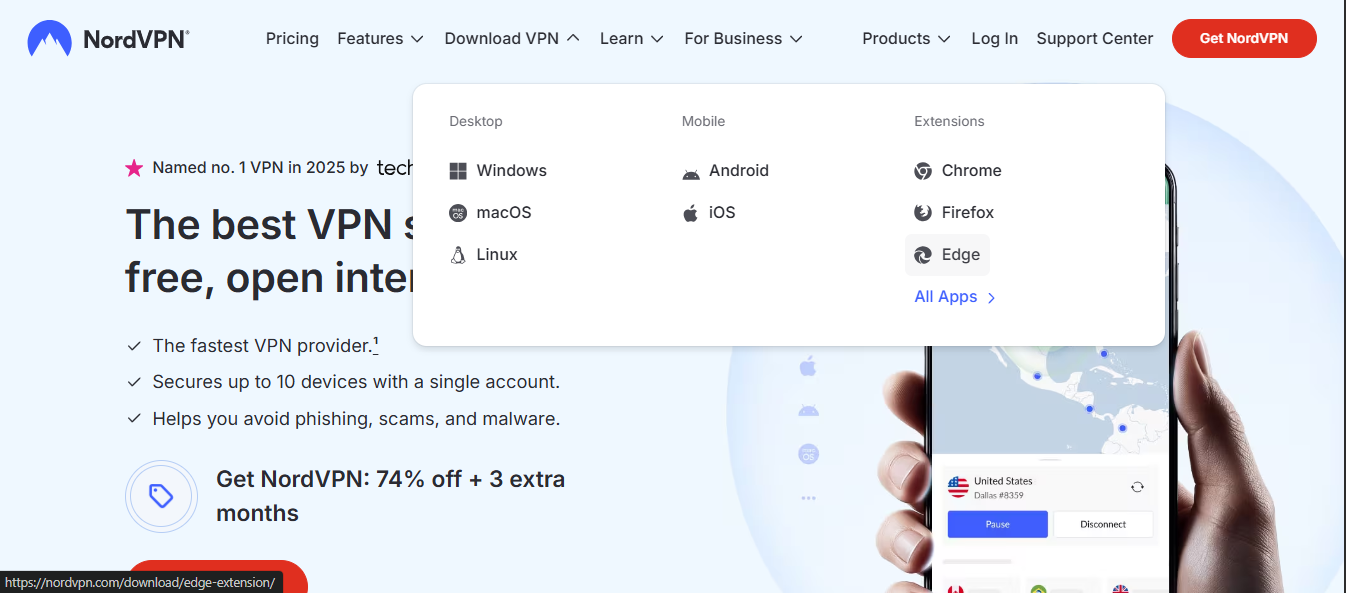
| NordVPN | Commercial VPN provider | Provider account and its own client apps |
| ExpressVPN | Commercial VPN provider | Provider account and its own client apps |
NordVPN and ExpressVPN are recognizable consumer-service examples, while OpenVPN Connect is client software that can be used with compatible VPN access. The distinction matters: installing a client does not automatically provide a VPN server, subscription, or account. Choose based on the connection you need, then compare current USD prices, renewal terms, refund conditions, supported devices, and privacy policies directly with the provider. VPN pes(2026)
Questions to check before installing or using a VPN
| Question | What to look for | If unclear |
|---|---|---|
| Is the app available for my device? | Supported devices and operating systems | Check the provider’s compatibility information |
| Where should I download it? | Official provider site or app store listing | Avoid unofficial download links |
| Do I need an account? | Sign-up and login requirements | Review the service’s setup instructions |
| What permissions does it request? | Permission explanations during installation | Check the app’s documentation |
| How do I connect and disconnect? | Visible controls and clear instructions | Consult the help pages |
| What does the service explain about privacy? | A readable privacy policy | Review it before signing up |
| How do I get help with setup? | Troubleshooting guides or support options | Check available support resources |
Compiled November 2026; check the provider's site for current details.
Start with the post that matches the device or product named in the connection instructions. The OpenVPN Connect post is relevant when you need the official client and a basic setup path; the Windows 11 post addresses adding or changing a VPN connection in the operating system. Product explainers for FortiClient, Cato, and Cisco help readers distinguish enterprise tools from consumer VPN subscriptions. Use the exact product name shown by your workplace or provider, since similarly named apps can serve different purposes.
For browser-focused questions, the Edge and free-VPN posts cover extension choices and the limits of browser-level protection. For gaming, the eFootball and PES post is the closer match. These topics are useful to readers in the United States, where Windows PCs, Android phones, Microsoft Store downloads, Google Play apps, and USD-billed consumer subscriptions are common reference points, while the setup principles also apply internationally. Local network conditions and service availability still differ, so a configuration that works in one place may not produce the same speed or access elsewhere. urban VPN edge(2026)
This section is an independent software and VPN information resource, not a VPN provider. It does not promise that a particular app will bypass a restriction, improve a game connection, or suit every privacy need. Read the provider’s current terms, check whether an employer manages the device, and avoid sharing configuration files or credentials with people who are not authorized to use them. The goal is a clearer, safer choice before installation, with product guides and setup explainers organized around the questions readers are already asking.